Free
For small collections and first inventory setup.
Free
Up to 100 items
We use essential cookies to keep you signed in and remember your language. These cookies are required for the site to work.
Scan a QR code to open the item card, check responsible person, location, condition, notes, and movement history.
Clinics often share equipment between rooms, specialists, and branches. Without one inventory system, small gaps turn into missing items, unclear responsibility, and slow handovers.
Teams waste time asking where devices, tablets, tools, or furniture are instead of opening one item card.
When several specialists use the same equipment, nobody knows who is responsible for the item or its condition.
Items that need attention stay in chats, paper notes, or memory. Managers lose status, notes, and item history.
Shared equipment needs transfer requests and activity history so every branch knows what moved, where it went, and when.
My items creates a simple operational layer for clinic assets. Staff scan a label, update condition, add notes, assign people, and create transfer requests.
Print QR codes for devices, tools, furniture, laptops, tablets, and shared kits. One scan opens the item card.
Assign each item to a responsible person, user, location, room, or branch so accountability is visible before handover.
Keep transfer requests, activity history, item notes, item photo, status changes, labels, and custom fields in one place.
Track operational assets only. Item cards can stay focused on equipment, location, condition, category, labels, and responsibility.
Different clinics have different equipment, but the same need: know where assets are, whether they work, and who is responsible.
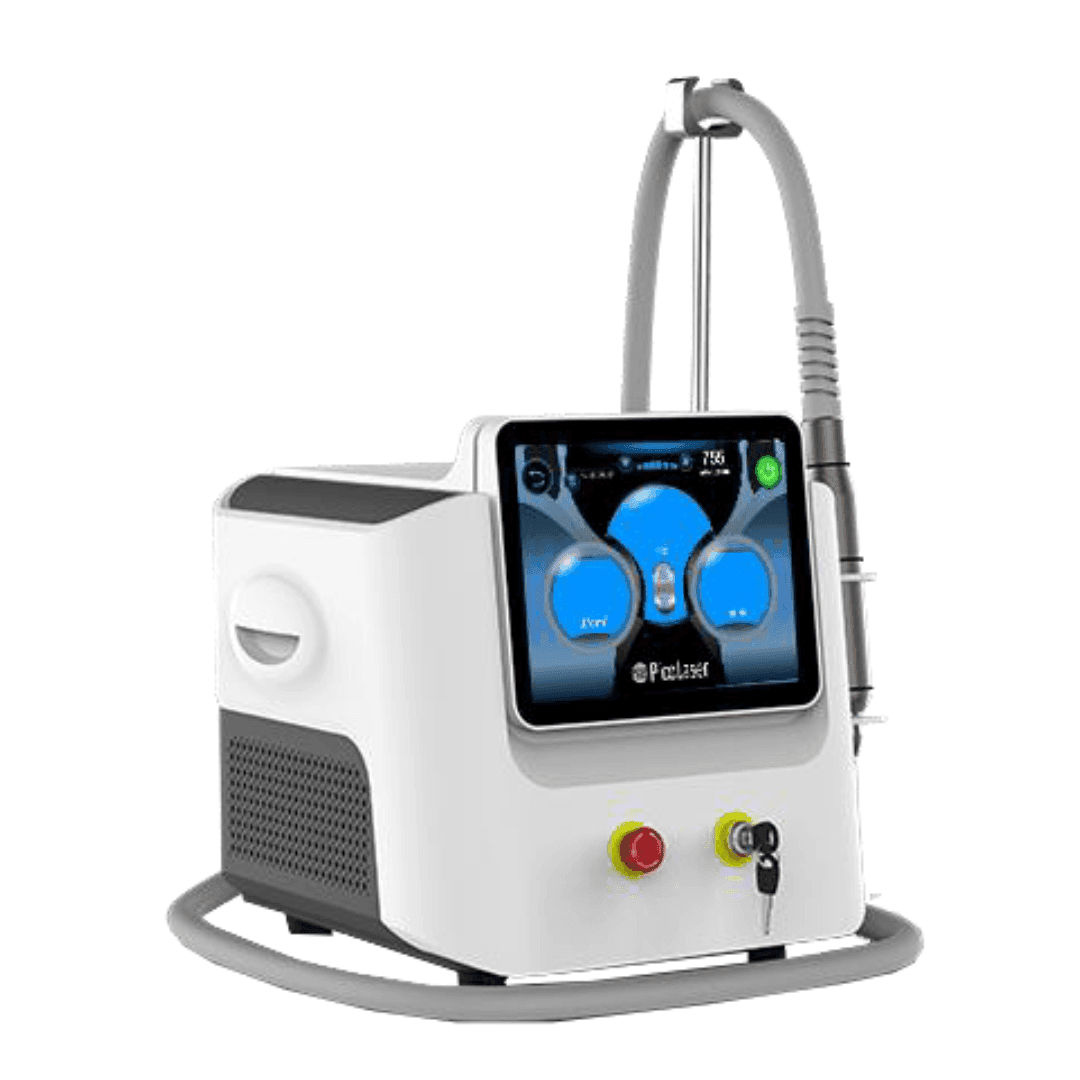
Track laser devices, cosmetology tools, treatment room furniture, tablets, and condition notes across locations.
Track diagnostic devices, accessories, mobile equipment, condition, and locations used by several teams.
Manage chairs, X-ray units, tool sets, IT devices, room locations, responsible people, and item notes.
Track shared devices, surgery room equipment, diagnostic tools, responsible users, and condition status between practices.
Record current location or user, transfer requests, receiver, and item condition before each handover.
Track clinic furniture, laptops, tablets, monitors, printers, and other items that disappear from spreadsheets.
Begin with the most important asset category, then expand to more rooms, locations, and teams.
Match My items to your clinic structure: branches, rooms, storage areas, categories, labels, and custom fields.
Create item cards with photos, condition, responsible person, user, location, category, price, notes, and custom fields.
Staff scan the QR code to see details, update condition, assign a user, add a note, or create a transfer request.
Find items by location, category, condition, responsible person, user, label, keyword, or custom field.
Start for free up to 100 items and choose a fixed monthly plan when your inventory grows.
For small collections and first inventory setup.
For growing teams managing up to 300 items.
For active organizations managing up to 700 items.
For larger operations managing up to 2,000 items.
Write to us and we will contact you with a tailored offer.
Short answers for managers, operations teams, and clinic owners evaluating QR asset tracking.
No. My items is for operational asset tracking. You can track equipment, locations, responsible people, condition, notes, and transfers without adding patient data.
Most teams start with one location or one asset category, print QR labels, and expand after staff understand the workflow.
Yes. You can create categories, nested locations, labels, responsible people, and custom fields that match your clinic structure.
Yes. Transfer requests and item history help show where equipment moved, who the receiver is, and what changed.
Yes. Staff can update item condition and add notes, so managers see what needs attention and what happened before.
Yes. You can start free with up to 100 items and test the workflow before adding more assets.
Create QR-coded item cards today, or book a short setup call and map your clinic inventory workflow.